Commercial Service

Physical IT Workstation Moves in Northeast Florida

Desk computers, monitors, docks, and printers unplugged, labeled by seat, moved, and plugged back in, while your IT contact owns everything past the wall jack.

(904) 209-9277
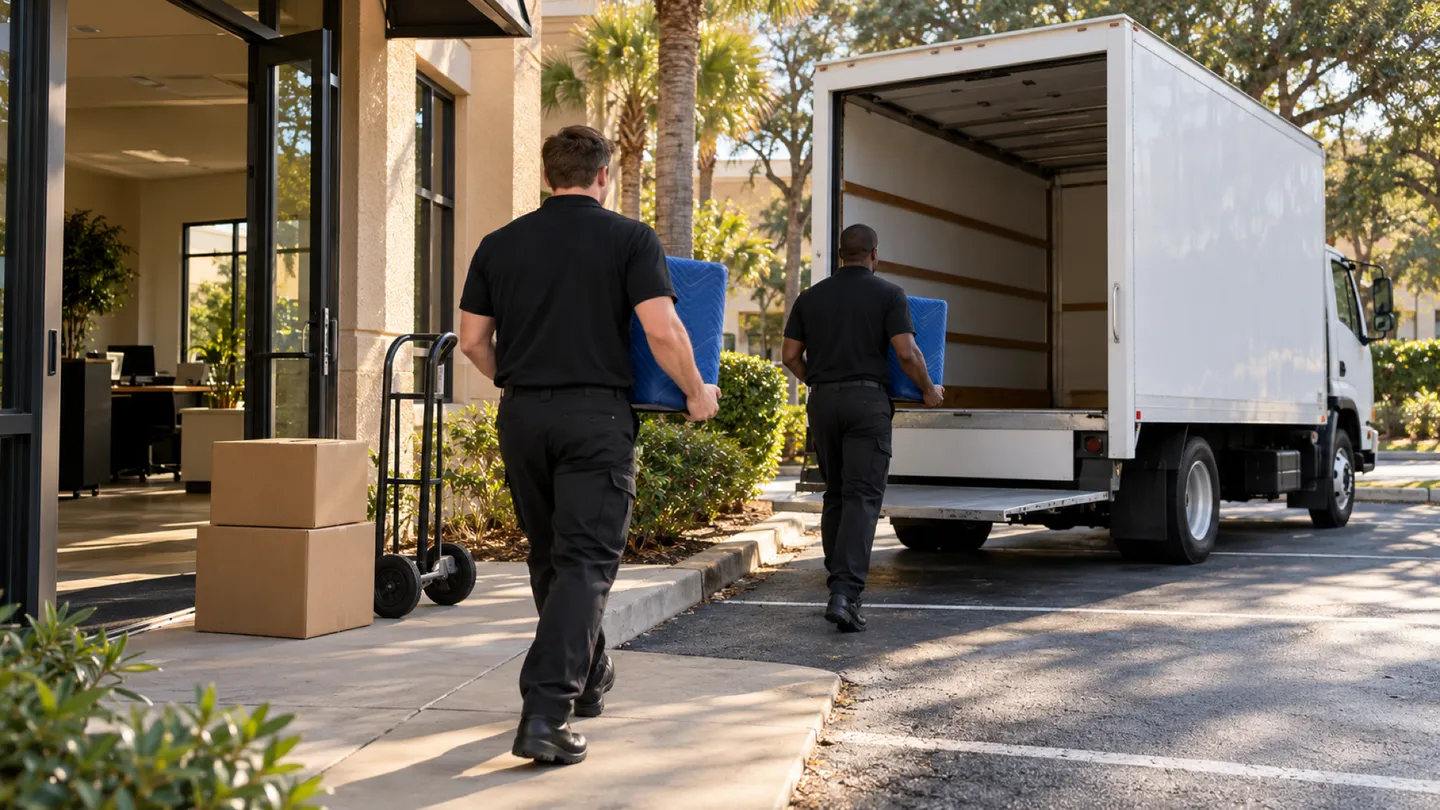
IT Workstation Moves moving in St. Johns County and Jacksonville: moving crew at work
  • Licensed & Insured Fully Covered
  • Owner-Operated By Devin Vangel
  • Northeast Florida St. Johns + Duval + Beyond

Start your free commercial move quote

verified For estimate purposes only credit_card_off No credit card required

How We Plan IT Workstation Moves

We cover the hands-on part of a workstation move and nothing past it. Our crew disconnects what sits on each desk, tags it by seat, carries it to the new office, and connects it again where that seat now sits. Your IT contact, whether in-house staff or an outside provider, owns everything that makes it work: the network, phones, logins, software, and any reimaging.

The order is fixed. Your IT contact sends shutdown instructions, and staff save work and power down at close. We then go desk by desk: photograph the cable layout, put a seat-number label on the tower, each monitor, the dock, and the keyboard, and bag cables and power bricks by seat. Monitors ride in padded cartons or wrap, towers upright. At the new office we set each desk’s equipment where the floor plan puts that seat, reconnect it to match the photo, and power it on to confirm it boots. Then your IT contact takes over for network and login testing, and anything that fails that test goes back to them.

Who usually signs off
Office or facilities manager who signs off on the seating plan and coordinates with the organization’s IT contact
Timing that works
Unplugging after the last user logs off on the final day, usually an evening, with reconnection finished before your IT contact’s testing slot

What typically moves

  • Desktop towers and small-form PCs Labeled with the seat number on the case, moved upright, and powered on at the new desk to confirm they boot.
  • Monitors and monitor arms Screens wrapped face to face or boxed; arms loosened from the desk edge and bagged with their clamps.
  • Laptop docks and port replicators Kept with their power bricks in a bag marked for the seat; staff carry their own laptops home or to the new office.
  • Keyboards, mice, and headsets Bagged together by seat so each person gets their own back.
  • Desk printers and label printers Toner and paper trays removed where the maker advises it, then padded and reconnected by USB or power at the new desk.
  • Power strips and cable bundles Photographed in place, unplugged, and bagged by seat; nothing gets pulled from inside walls or floor boxes.

Access and scheduling

We plan around two times your IT contact sets: when desks may be unplugged and when they will be on site at the new office to test. Unplugging usually starts after the last person logs off, often in the evening, and reconnection is timed to finish before the test window opens so no one waits on a half-set floor.

If the seating chart changes after labels go on, tell us before loading and we relabel the affected desks. Changes after arrival are simpler than people expect: equipment is labeled by seat, not by person, so moving a person means moving one label on the plan. For large floors, we can work zone by zone, handing each finished zone to IT while the next is still being set.
Protection and handling

Screens are the fragile part. They travel wrapped or boxed, never stacked loose, and stand on edge in the truck, away from the doors. Towers ride upright and strapped. Cables and power bricks go into labeled bags rather than a shared tote, because a missing power brick is the most common reason a reconnected desk will not start.

Summer heat matters here too. A closed box truck in a Jacksonville parking lot heats up fast, so equipment loads last and unloads first, and the truck stays shut between trips. If a unit arrives damaged or fails to power on, we note it by seat and tell your IT contact straight away, so they know whether the fault is physical or on their side.

Who does what

Some of this job belongs to other trades. The written plan names each one.

Network, phones, logins, software, and reimaging
Your IT contact sets up and tests all of it. Our part stops at plugging each device into power and into the desk’s own cables.
Servers, network closets, and wall or floor data jacks
Your IT contact or cabling firm moves or reconnects them; they are outside this service.
Copiers and printers under a lease or service contract
The leasing company or its technician moves and reinstalls them.

Not part of our work

  • Configuring, troubleshooting, or testing network access, accounts, or software.
  • Moving server hardware, network switches, or anything in a telecom closet.
  • Running or terminating data cable in walls, ceilings, or floor boxes.

Around St. Johns County and Jacksonville

Southside and Deerwood Park offices along J. Turner Butler Blvd often move whole floors in one evening, so we plan zones in the order IT wants to test them. For offices moving from Ponte Vedra Beach or Nocatee toward Jacksonville, the drive is part of the reason electronics load last.

The crew that shows up

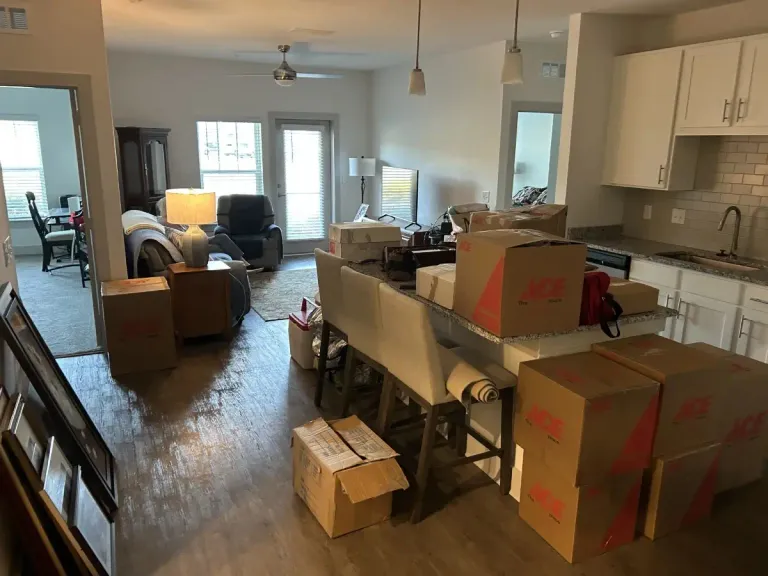
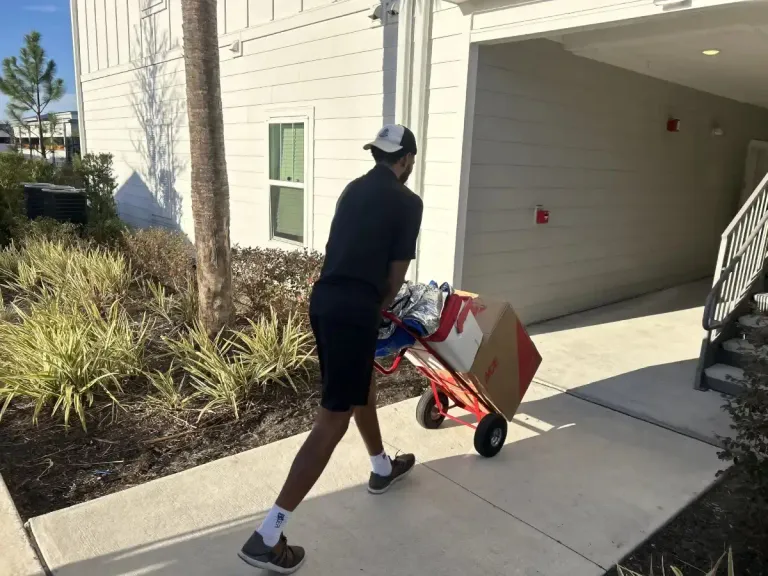
Packed boxes staged indoors partway through a moveMover wheeling a hand truck of boxes along a walkway

IT Workstation Moves FAQs

Another question? Call (904) 209-9277.

Who tells our staff when to unplug their own desks?

Nobody on staff needs to unplug anything. Your IT contact tells people when to save work and shut down, and our crew handles the unplugging, labeling, and packing after they leave. Staff only need to take laptops and personal items with them.

What happens if a reconnected computer will not connect to the network?

We confirm that each computer powers on and that its screens, keyboard, and dock are plugged in to match the photo. Network, login, and software problems go to your IT contact. If a device is physically damaged or will not power on, we record it by seat and report it right away.

Can you move our monitor arms as well as the monitors?

Yes. Clamp-on and grommet arms come off the desk, get bagged with their hardware, and go back on at the new seat. Arms bolted through a worksurface are usually taken off with the desk. If the new desks are a different model, the furniture dealer confirms the arms will fit.

Can your crew reconnect desks while our IT provider works in the same room?

Yes, and on a big floor it helps. We finish desks zone by zone and hand each zone over as it is ready, so your IT provider can test one area while we set the next. We stay clear of network closets and any area they have marked off.

Plan your business move

Tell us both addresses, the building rules you know about, and the dates you cannot move. We will send back a written plan and estimate.

Call (904) 209-9277

Mon–Sun 8:00 AM – 7:00 PM

Call Now call 904-209-9277